19 Best Job Board Software Platforms in 2026
Compare the best job board software platforms to build and launch your own job board. We break down features, pricing, and ideal use cases for each option.
Starting a job board can be a lucrative business, but choosing the right software to power it is one of the most important decisions you'll make. The wrong choice can mean months of rework, while the right platform lets you launch fast and scale with confidence.
In this guide, we compare the 19 best job board software options available today, covering everything from fully managed SaaS platforms to self-hosted open source solutions. We've researched each platform so you don't have to.
What Is Job Board Software?
Job board software is a platform that lets you create and run a website where employers post job openings and candidates search and apply for them. Think of it as the engine behind sites like WeWorkRemotely, Wellfound, or any industry-specific career page.
Unlike building a job board from scratch, dedicated job board software handles the core functionality out of the box: job posting workflows, search and filtering, employer accounts, payment processing, and SEO optimization. Some platforms are fully hosted (SaaS), while others are self-hosted scripts or WordPress plugins you install on your own server.
Job board software is used by professional associations, media companies, niche community builders, venture capital firms, universities, staffing agencies, and entrepreneurs looking to build a standalone job board business.
How We Evaluated Each Platform
We assessed each platform across five key areas:
- Core features (30%) - Job posting management, search, filtering, employer dashboards, candidate experience, and application workflows.
- Monetization (25%) - Payment processing, pricing flexibility (one-time posts, subscriptions, featured listings), and revenue potential.
- SEO and distribution (20%) - Google for Jobs support, structured data, programmatic SEO, sitemap generation, and job aggregator integrations.
- Ease of use (15%) - Setup time, learning curve, design customization, and ongoing maintenance requirements.
- Value for money (10%) - Pricing relative to features, hidden costs, and scalability of the pricing model.
What to Look for in Job Board Software
Before diving into specific platforms, here are the features and capabilities that matter most:
Monetization
The whole point of running a job board is generating revenue. Look for platforms that support multiple revenue streams: paid job postings, featured/sponsored listings, employer subscription plans, and resume database access fees. Stripe and PayPal integration should be built in. Coupon codes and job posting bundles are useful for driving sales. Some platforms also support paywall features like gated candidate profiles or pay-to-view resume databases, which can be a significant revenue driver for boards with strong candidate pools.
SEO and Distribution
Organic traffic is the lifeblood of most job boards. Your platform should support Google for Jobs structured data (JobPosting schema), automatic sitemap generation, and clean URL structures. Programmatic SEO — automatically generating landing pages for job titles, locations, and categories — is a major advantage for capturing long-tail search traffic. Integration with job aggregators like Indeed, ZipRecruiter, and Appcast through XML feeds helps distribute your listings beyond your own site. IndexNow and Google Indexing API support ensure new listings get crawled quickly.
Job Management
The core workflow needs to be solid. Look for customizable job posting forms with custom fields, job expiration and renewal, duplicate detection, and bulk import/export. Job backfilling (automatically importing listings from aggregators) is essential when launching a new board to avoid the empty board problem. Job alerts via email keep candidates coming back.
Employer and Candidate Experience
Employers should be able to create accounts, post jobs, manage applications, and track performance without needing your help. Employer dashboards, company profile pages, and self-service billing reduce your support burden. On the candidate side, look for resume uploads, candidate profiles, saved job searches, one-click apply, and social login. An applicant tracking system (ATS) or ATS integrations help employers manage their pipeline.
AI Features
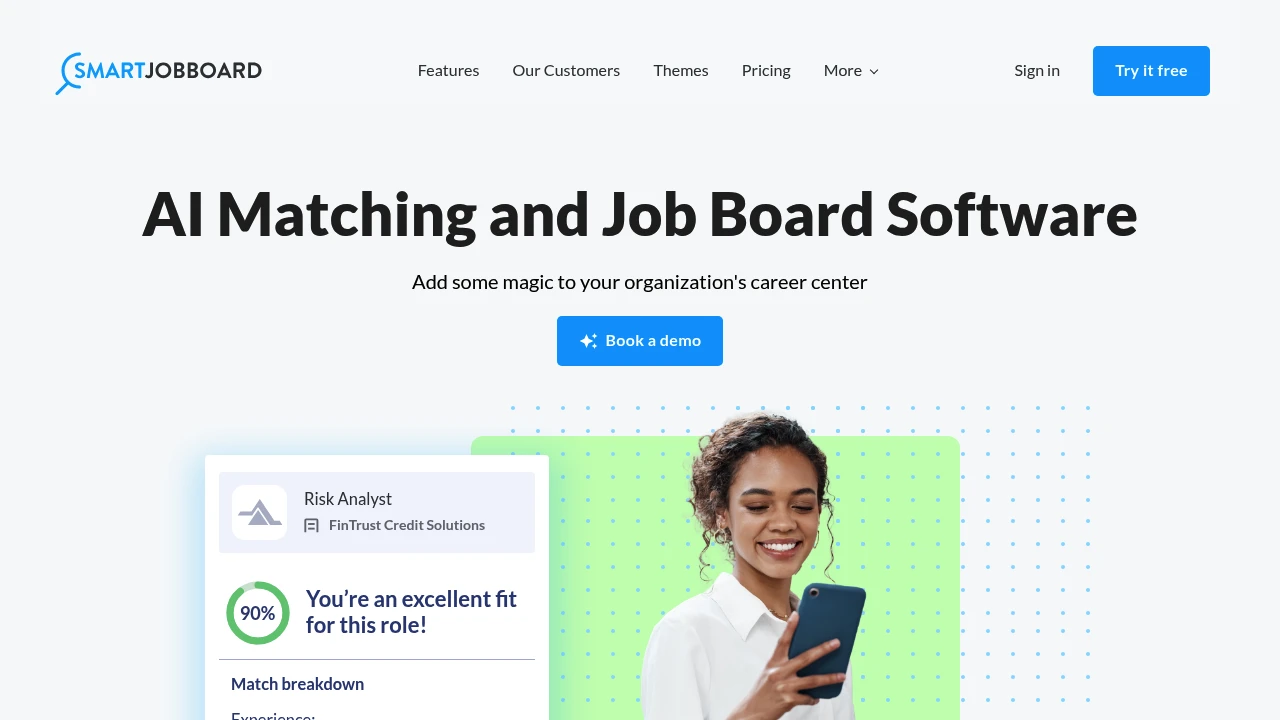
AI is increasingly table stakes. AI-powered job matching connects candidates with relevant listings automatically. AI job descriptions help employers write better postings. AI job aggregation automatically sources and categorizes listings from across the web. Semantic search understands intent rather than just matching keywords.
Customization and Branding
Your job board should look like yours, not a generic template. White-label options, custom domains, custom branding, and design flexibility matter. Some platforms offer drag-and-drop builders, while others provide embeddable widgets you can drop into an existing site. Multi-language and multi-currency support is important if you're serving an international audience.
Analytics and Reporting
You need to understand what's working. Built-in analytics showing job views, applications, employer activity, and revenue are essential. Google Analytics and Google Search Console integration give you the full picture. Some platforms also offer employer-facing analytics so companies can see how their listings perform.
Best Job Board Software Platforms

SaaS vs. Self-Hosted: Which Should You Choose?
One of the biggest decisions is whether to go with a managed SaaS platform or a self-hosted solution.
Choose SaaS if:
- You want to launch fast without managing infrastructure
- You don't have a technical co-founder or developer on the team
- You prefer predictable monthly costs over upfront development investment
- You're testing the market and want to minimize risk
Choose Self-Hosted if:
- You need full control over your data and codebase
- You have specific customization requirements that SaaS platforms can't meet
- You want to avoid recurring platform fees as you scale
- You have the technical resources to maintain the software
How to Launch a Successful Job Board
The software is just the foundation. Here's what separates successful job boards from the rest:
1. Pick a Specific Niche
The most profitable job boards serve a well-defined audience. "Jobs in climate tech" will outperform "jobs for everyone" because employers pay a premium to reach targeted candidates.
2. Nail Your SEO Strategy
Job boards live and die by organic traffic. Make sure your platform supports Google for Jobs structured data, generates clean URLs, and lets you create landing pages for key search terms.
3. Start with Free Listings
Don't charge from day one. Build up a critical mass of listings first, even if you have to manually source them. Employers won't pay to post on an empty board, and candidates won't visit one.
4. Build Community Around It
The best job boards are more than listing directories. They become communities through newsletters, content, social media presence, and industry events.
5. Diversify Revenue
Don't rely solely on paid job postings. Consider featured listings, employer branding packages, newsletter sponsorships, and affiliate partnerships.
Frequently Asked Questions
How much does job board software cost?
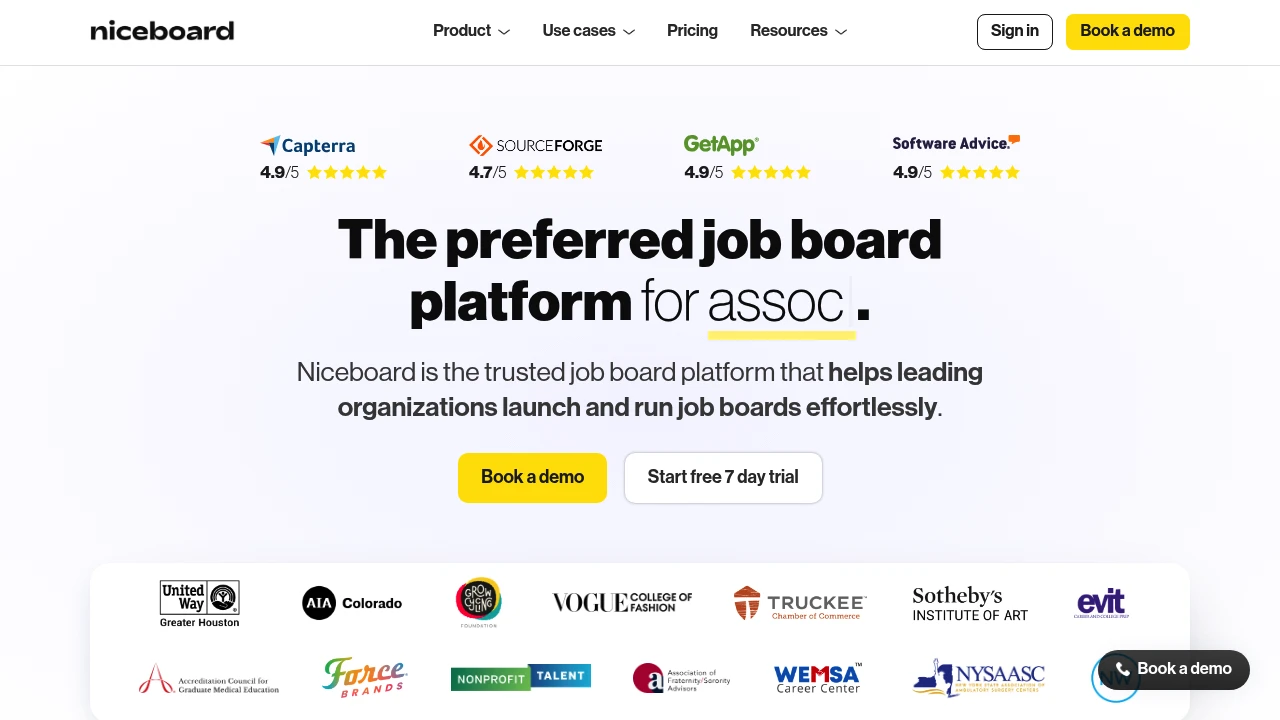
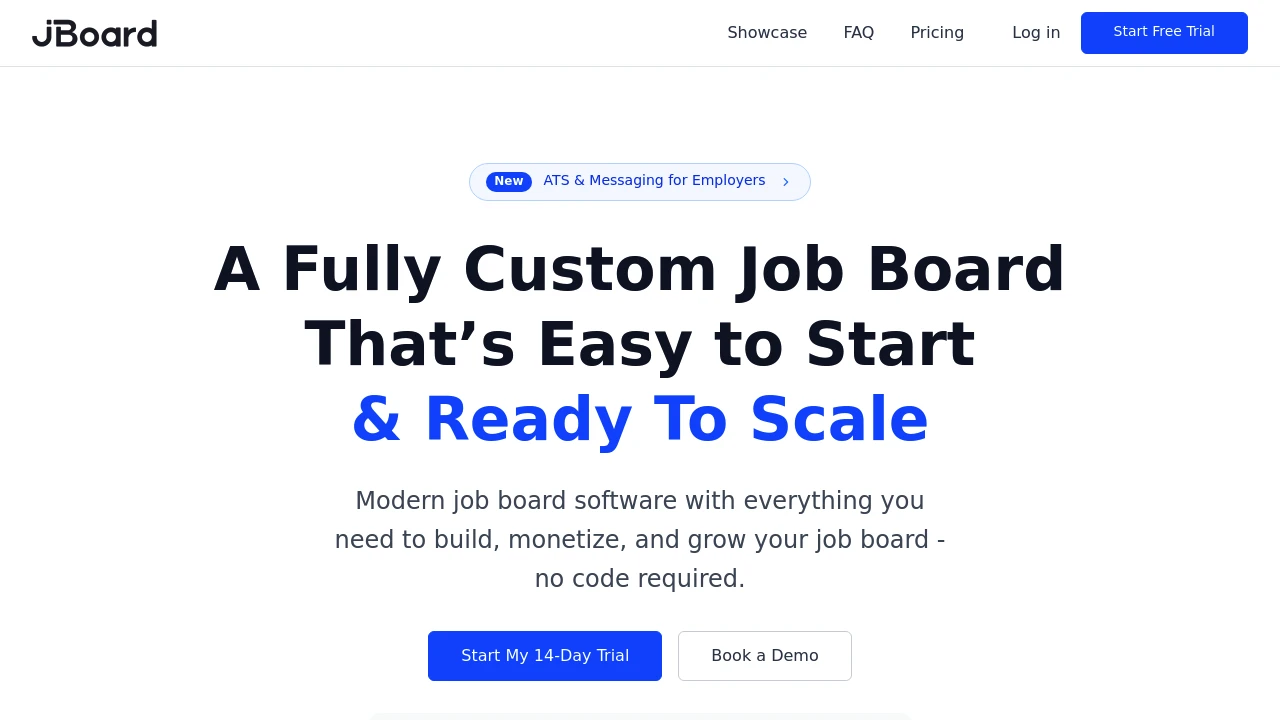
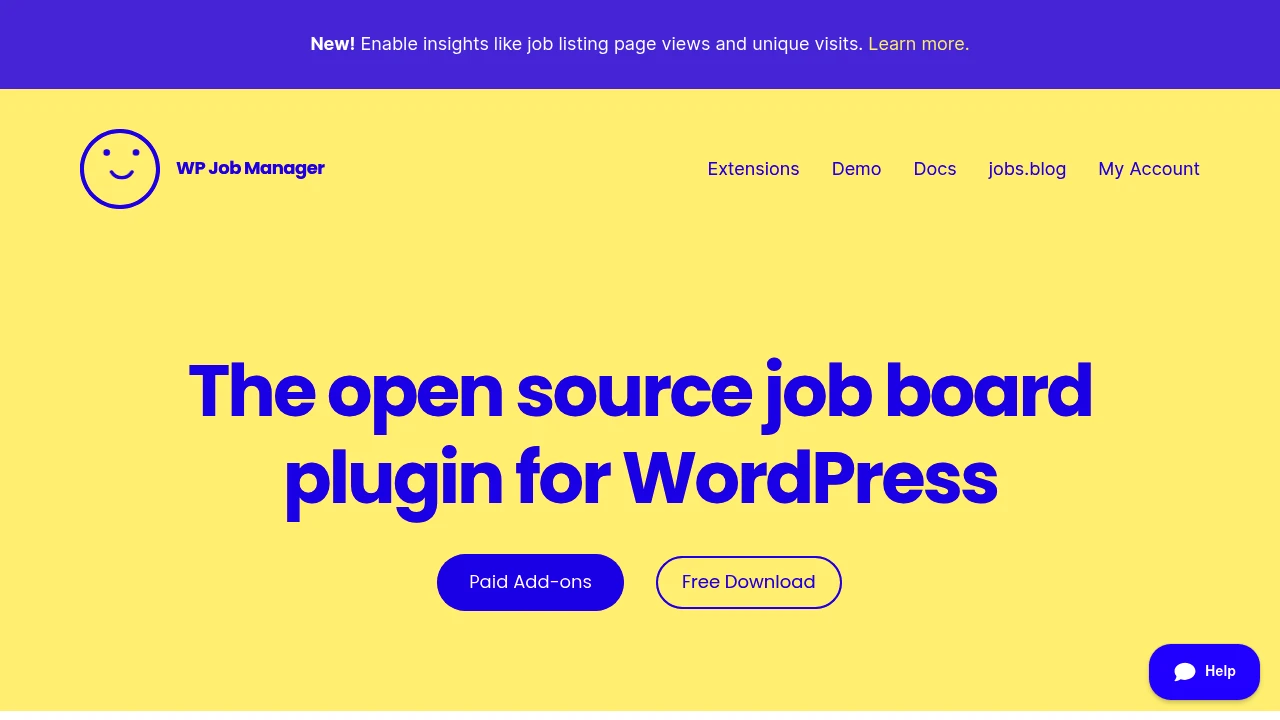
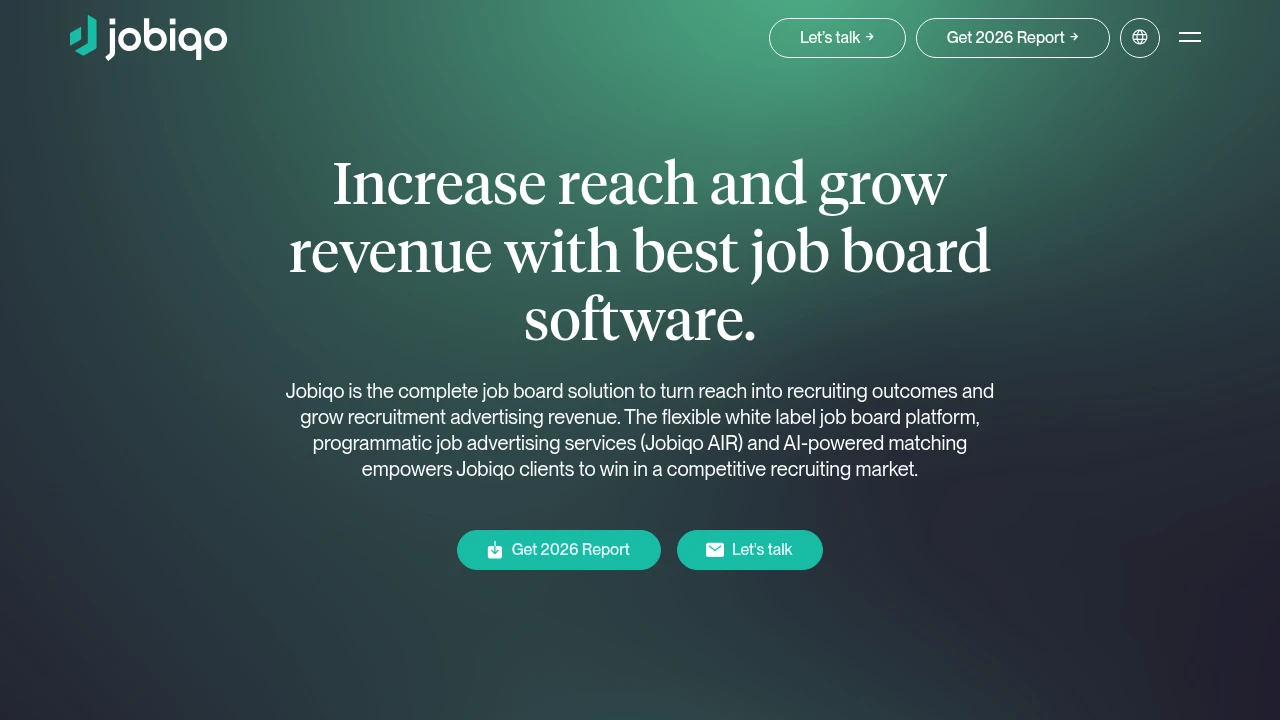
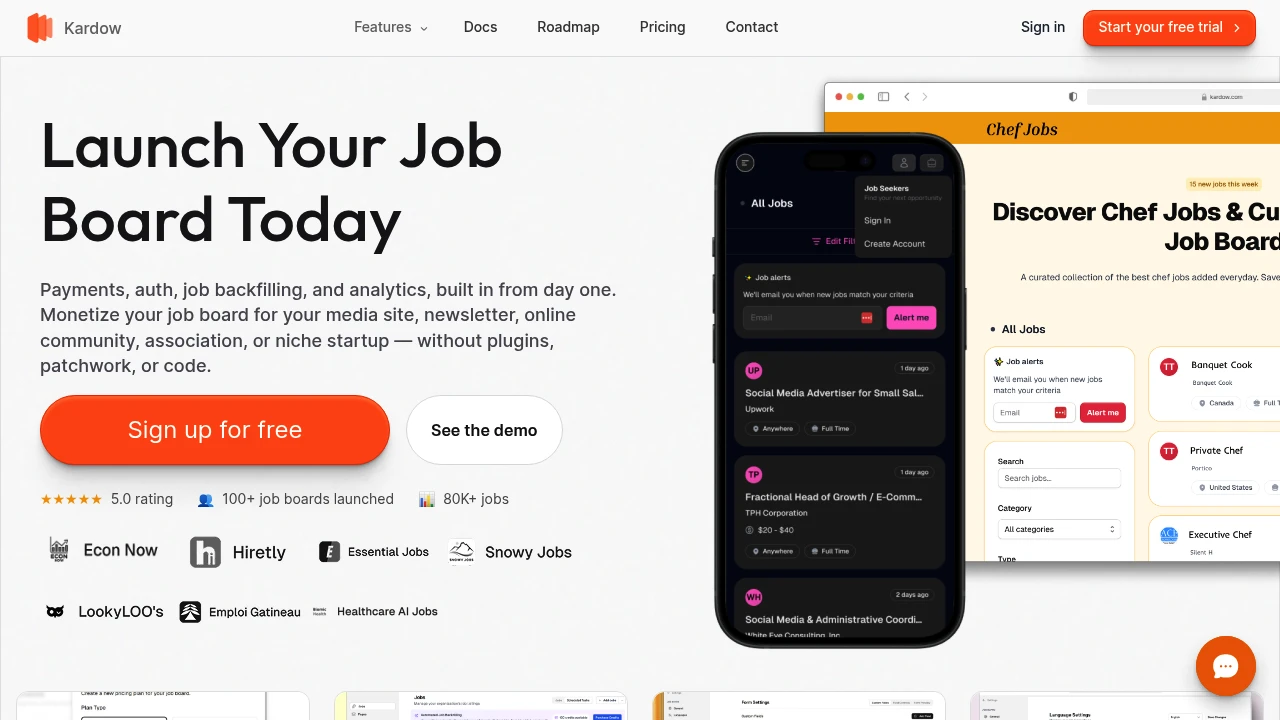
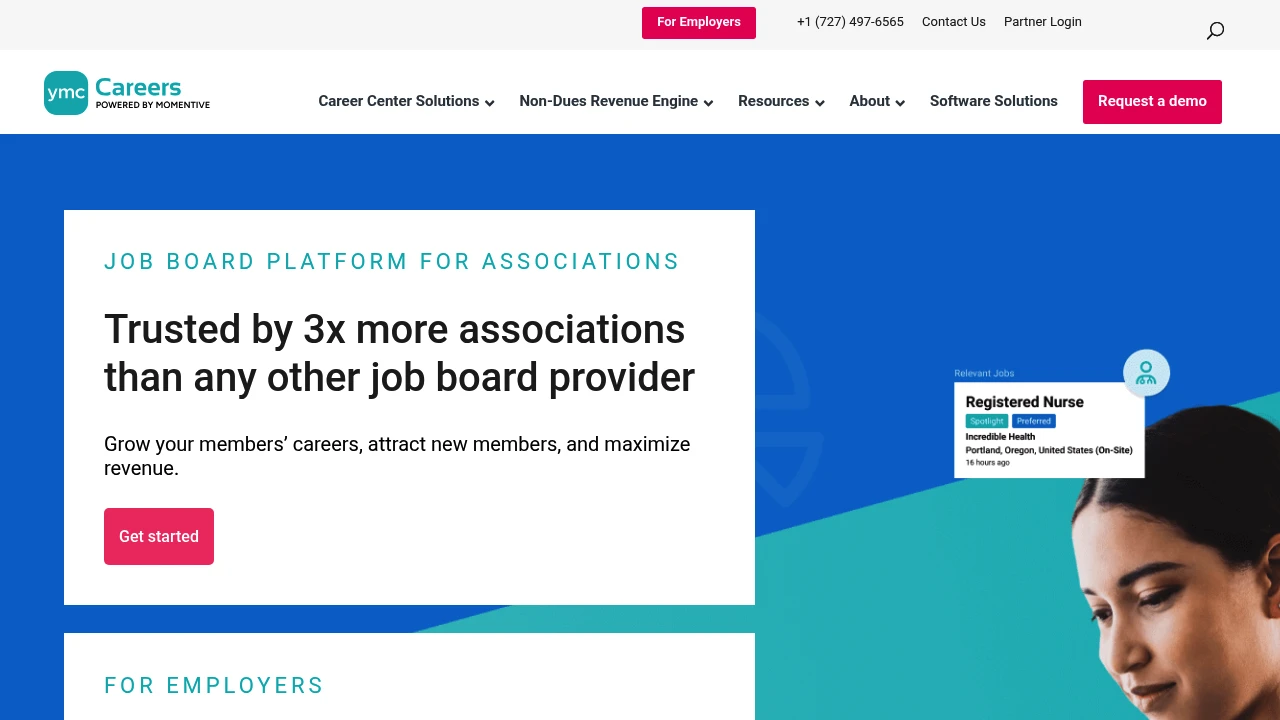
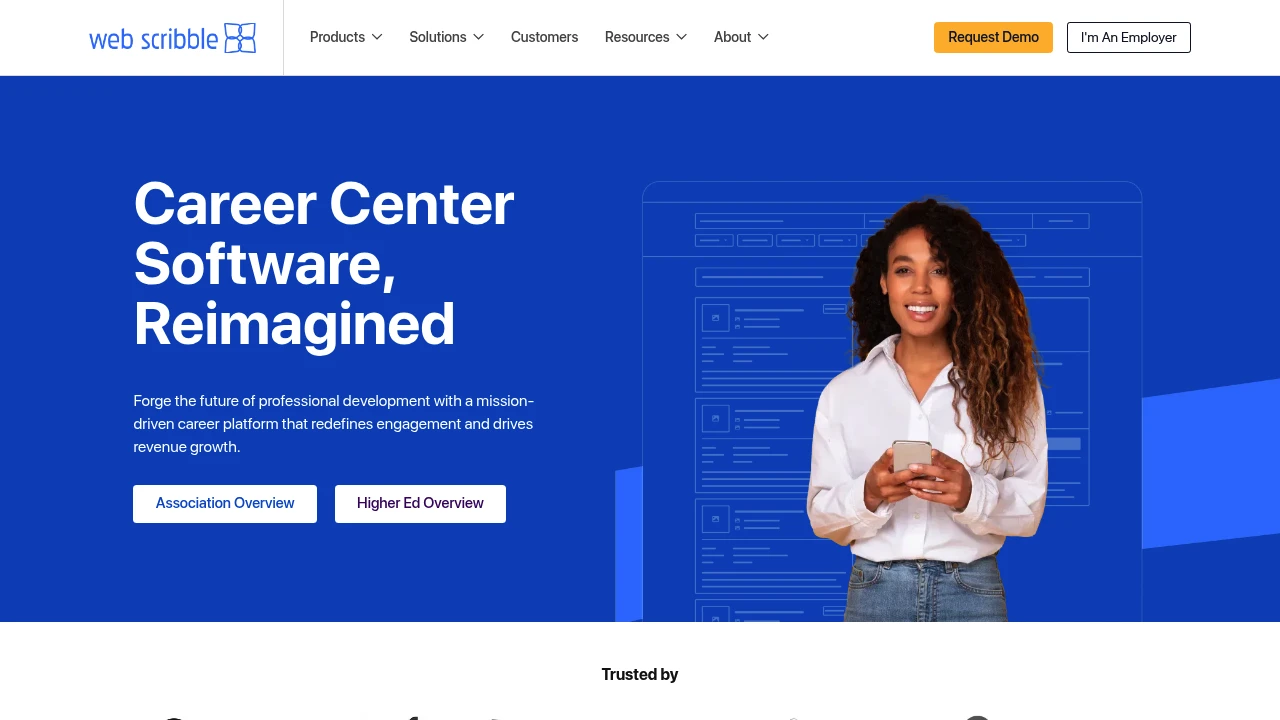
Prices range widely. Budget platforms like Kardow start at $17/mo, mid-tier options like Niceboard and JBoard run $100-$200/mo, and enterprise platforms like Jobiqo can cost $2,000+/mo. Some platforms like YM Careers and Web Scribble use a revenue-share model with no upfront cost. WordPress plugins like WP Job Manager are free at the core, with paid add-ons.
Do I need coding skills to start a job board?
No. Most modern SaaS platforms like Cavuno, Niceboard, and JBoard are no-code or low-code. You can launch a job board in minutes without touching any code. Self-hosted solutions and WordPress plugins require more technical knowledge for setup and maintenance.
How do job boards make money?
The most common revenue streams are paid job postings, featured/sponsored listings, employer subscription plans, and resume database access. Some operators also monetize through newsletter sponsorships, display advertising, and affiliate partnerships. Most job board software supports Stripe or PayPal for payment processing.
What is the best niche for a job board?
The best niches have a clearly defined audience that employers will pay a premium to reach. Industries with high hiring volume, specialized skills, or underserved communities tend to work well. Examples include remote work, climate tech, healthcare, cybersecurity, and specific geographic regions. Avoid overly broad niches where you'd compete directly with Indeed and LinkedIn.
Can I migrate from one job board platform to another?
Most platforms support CSV import/export for job listings, employer accounts, and candidate data. However, migration complexity varies. Moving between SaaS platforms is usually straightforward. Moving from a self-hosted solution to SaaS (or vice versa) may require more work. Check that your current platform allows data export before committing.
What is Google for Jobs and why does it matter?
Google for Jobs is a feature within Google Search that displays job listings directly in search results. When your job board outputs the right structured data (JobPosting schema), your listings can appear in this enhanced search experience, driving significant organic traffic. Most modern job board software supports this out of the box.
Should I use job backfilling?
Job backfilling means automatically importing listings from aggregators like Indeed, ZipRecruiter, or Appcast to fill your board with content. It's useful when launching a new board to avoid the "empty board" problem, and you earn a small commission per click or application. Once you have enough organic employer postings, you can reduce reliance on backfilled jobs.
What's the difference between a job board and an ATS?
A job board is a public-facing marketplace where employers post jobs and candidates browse and apply. An applicant tracking system (ATS) is an internal tool employers use to manage their hiring pipeline. Some job board software includes basic ATS features, but they serve different purposes. Many job boards integrate with external ATS platforms.
Final Thoughts
There's no single "best" job board software. The right choice depends on your technical skills, budget, timeline, and long-term vision. If you're non-technical and want to launch fast, a managed platform like Niceboard or JBoard is hard to beat. If you need enterprise features, look at SmartJobBoard or Jobiqo. And if you're a WordPress user, WP Job Manager is the natural choice.
The most important thing is to start. Pick a platform, choose your niche, and focus on building an audience. You can always migrate later as your needs evolve.
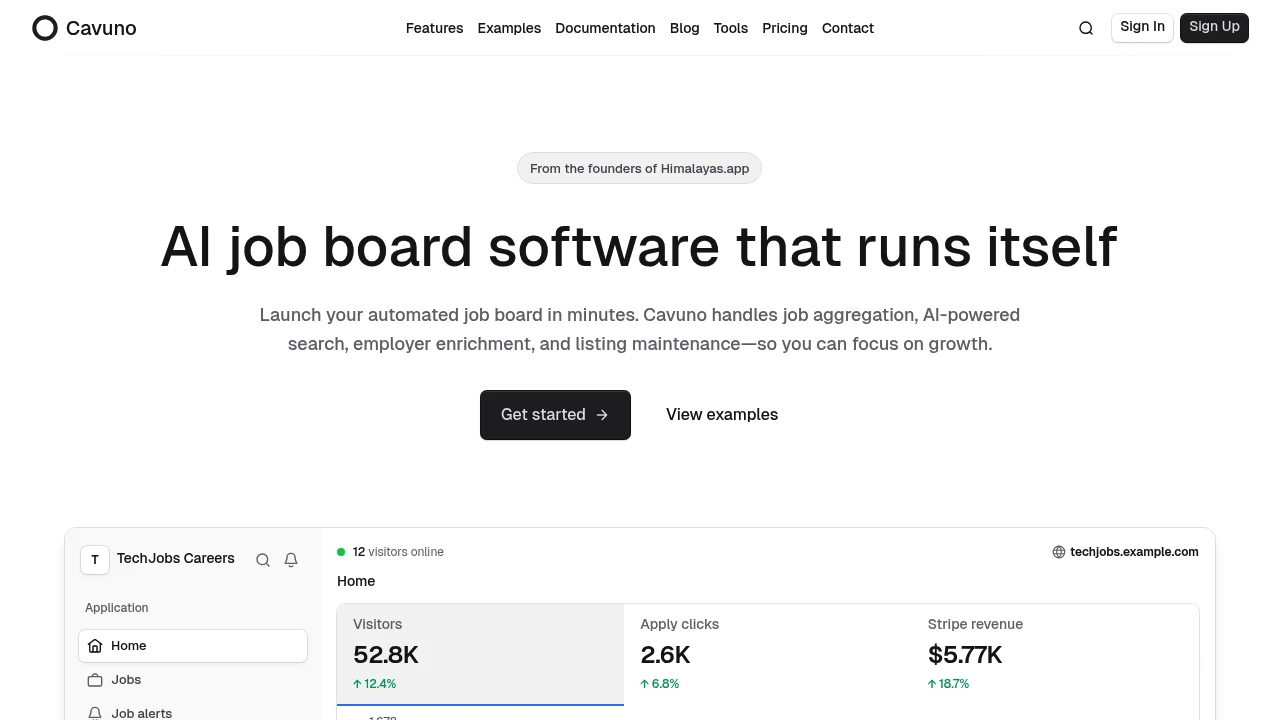
 Cavuno — AI job board software that runs itself